Amazon Price Drop Refund Policy After Purchase
Amazon stopped automatic price-drop refunds for most purchases.

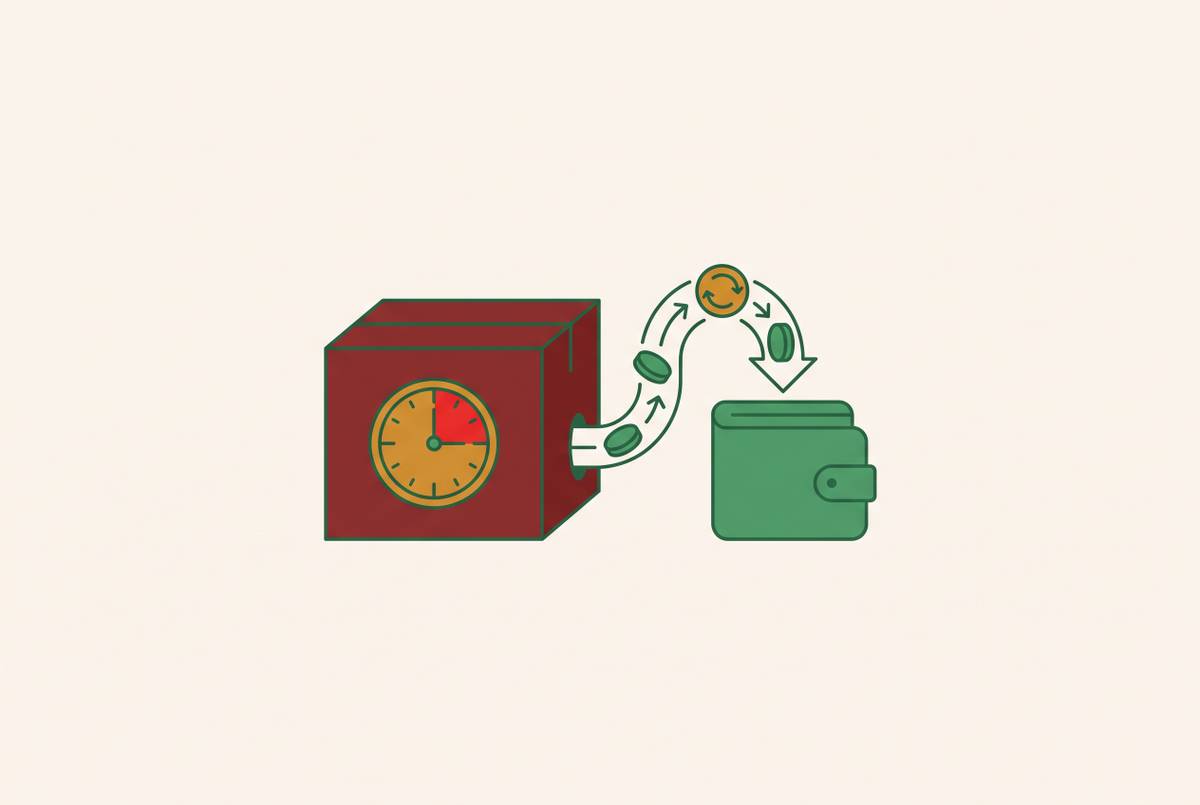
Amazon has no formal price-drop refund policy anymore, and that catches most shoppers off guard. I've watched prices swing on items I was tracking, sometimes dropping within hours of purchase, which raises an obvious question: where does that money go, and can you ever get it back? Prices on Amazon move constantly, driven by an algorithm reacting to inventory, competition, and demand, and the price you pay at checkout gets treated as final the second you click. Digging into this, a few narrow, legitimate paths still exist for getting money back after a price drops. Most people never find them, and that's the real cost here.
Amazon ended the broad, discretionary practice where customer service reps would routinely refund the difference if a price dropped after you bought something. An Amazon spokesperson has confirmed the policy was never meant to be that generous in the first place: the informal refunds people got used to were exceptions granted well beyond what the policy intended, and Amazon simply stopped granting them. What remains is thin. You can still contact customer service within roughly a week of your purchase and ask, but approval isn't guaranteed, and it's become far less common than it used to be.
One distinction matters more than people realize, and it's the one most shoppers get wrong: Amazon retail versus third-party marketplace sellers. When Amazon itself sells and ships an item, one set of expectations applies. When a third-party seller does, even if Amazon fulfills it, a different, weaker standard applies. Mixing these two up is where most of the confusion and frustration comes from.
There's one guarantee that's unambiguous and requires zero effort on your part: the Pre-Order Price Guarantee. If you pre-order something, Amazon automatically charges you the lowest price it offered between your order date and the release date. No calls, no chat windows, no asking required. That one's automatic. The gap between this guarantee and everything else described below is exactly why the workarounds matter.
The one exception Amazon still honors automatically: the TV price-drop window
Televisions are the one category where a documented, automatic price-drop refund window still exists. If a TV drops in price shortly after you buy it, Amazon has a real, standing process for reimbursing the difference; it's policy, backed by documentation.
The catch, and it's an easy one to miss: the TV has to be sold and shipped by Amazon directly. A television sold through a third-party seller, even one using Fulfilled by Amazon, doesn't qualify, full stop. That distinction trips people up constantly, since the listing looks identical either way.
If you're in the window, contact customer service and ask about the price difference. Having your order details and evidence of the current lower price on hand is the standard approach.
Why TVs specifically? Televisions are a high-stakes, competitive category, and Amazon has chosen to maintain this exception there while not extending it elsewhere.
If you're about to buy a TV on Amazon, timing that purchase, or just watching the price for the week after, has concrete, policy-backed value. No other category on Amazon gives you this. Treat it as the exception it is.
Return-and-rebuy: the most reliable path when Amazon won't adjust the price
When Amazon won't hand you the difference, return-and-rebuy is the workaround that actually works, and for most non-TV purchases, it's your best option, period. Return your item for a full refund, then buy it again at the new, lower price. It's Amazon's standard return process, just used in a slightly unconventional way.
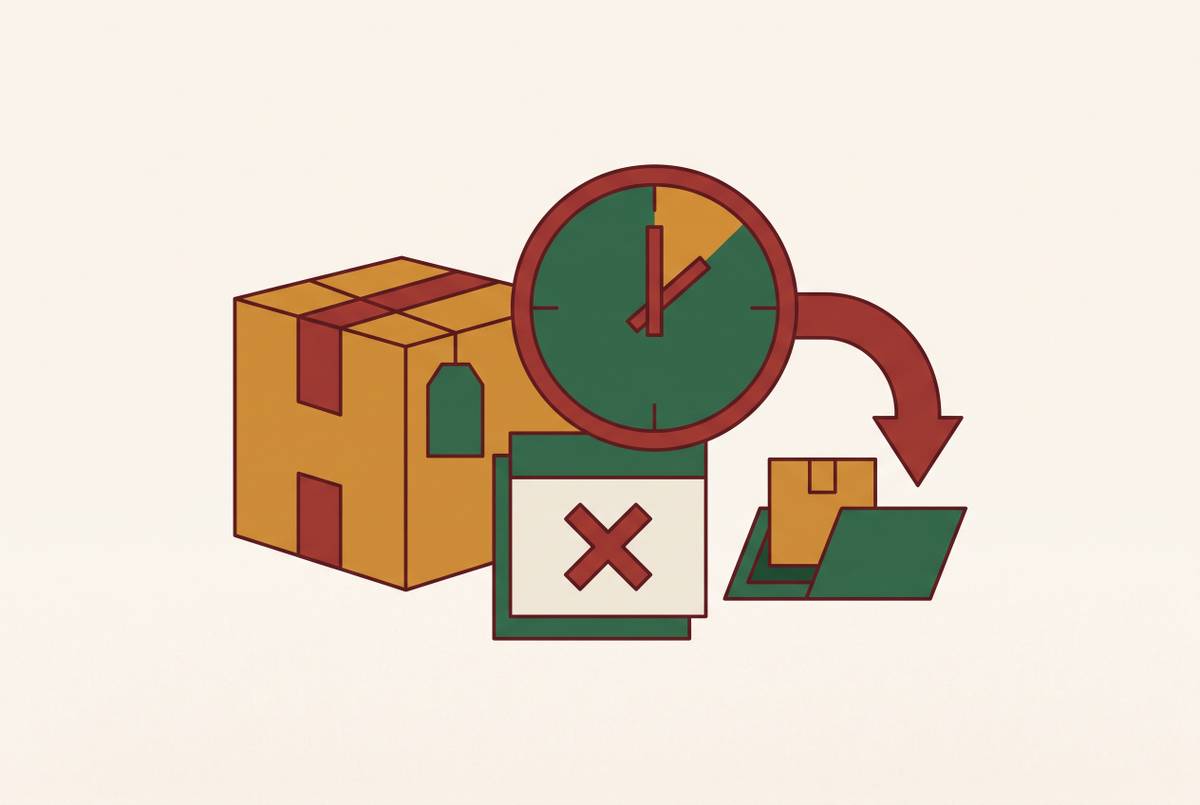
This only works inside the normal return window, generally the first month after purchase. Once that window shuts, this option shuts with it, no exceptions.
A few things can trip you up. Not everything is returnable: digital goods, opened software, and certain consumables often have limited or no return eligibility at all. Condition counts too; if the item's damaged or missing its original packaging, approval gets complicated fast. Refunds also take several business days to process, which creates a gap between when your money comes back and when you can repurchase, and prices can shift within hours on Amazon. If the lower price disappears during that refund-processing gap, you've lost your shot.
For third-party sellers, this is usually your only real option, since courtesy credits from marketplace sellers are rare to the point of nonexistent. Just remember the seller's own return policy governs here, so read it before you start anything.
Move fast, confirm the item is actually returnable before you initiate a return, and go in understanding the timing risk. This process rewards speed, and it comes with no guarantee attached.
Courtesy credits: when asking customer service still works, and when it doesn't
Sometimes customer service will still issue a one-time promotional credit if a price drops soon after you buy something. It happens most often when the drop occurs within a day or two of purchase and the item was sold directly by Amazon. Ask first, before you bother with a return; it costs nothing and takes five minutes.
This is discretionary, full stop. Whether you get one depends on the rep you happen to reach, your account history, how recently you bought the item, and how big the price gap is.
Your best odds line up like this: the item was sold and shipped by Amazon, not a marketplace seller, the drop is recent and sizable, and your account doesn't show a pattern of similar requests. Reach out through chat, since it leaves a written record, and come prepared with your order number, the current price, and your purchase date. Frame the ask as a goodwill request, since that tone matters more than people expect it to.
Treat this as a low-effort first step. Try it, get your answer, then decide whether return-and-rebuy is worth the trouble.
Third-party sellers owe you nothing here. They're under no obligation to issue courtesy credits, and while Amazon's A-to-Z Guarantee exists for other kinds of disputes, a price drop alone doesn't qualify you for it.
Credit card price protection as a backstop when Amazon itself won't act
Some premium credit cards still carry a benefit called price protection: if a price drops within a set window after you buy something, you can file a claim and get the difference back from the card issuer.
This runs completely outside Amazon's own rules. Amazon doesn't approve anything, doesn't even know it's happening; your card issuer pays the difference directly, based on its own terms, on its own timeline.
Before you count on this benefit, check your card on four fronts: the claim window, meaning how many days after purchase the protection actually applies; per-claim and annual caps on how much you can recover; which purchase categories are eligible, since some cards exclude certain electronics or online-only buys; and what documentation you'll need, typically a screenshot of the lower price with the URL and date, plus your original receipt.
Here's the catch worth flagging clearly: many card issuers have quietly scaled back or eliminated this benefit over the past several years. Don't assume your card still has it just because it did a while back. Check your current terms before you buy, not after you've already found the lower price.
For big purchases, your choice of payment method plays a role in protecting your money after the sale, not just before it. Five minutes of checking, before you check out, is worth doing every time.
Why catching a price drop in time is harder than it sounds
Amazon's pricing algorithm doesn't sit still. The same item can swing substantially within a single day, reacting to inventory levels, what competitors are charging, and whatever promotional window happens to be open. Nobody's watching that for you, and that's the part people underestimate.
Amazon has zero incentive to tell you when something you already bought drops in price. There's no notification, no nudge, nothing waiting in your inbox. You'd have to catch it yourself, which means checking manually, repeatedly, on your own initiative, for an item you've already stopped thinking about.
Flash sale drops make this worse. They can be steep and last only a few hours, so unless you happen to be looking at exactly the right moment, you'll miss it entirely.
The return window is finite on top of all that. A price drop landing in week three of a standard one-month return period leaves you almost no time to act, especially once you factor in how long refund processing takes.
Knowing your rights and actually using them are two different things. The TV exception, courtesy credits, return-and-rebuy: none of it helps if you find out about the drop after your window's already closed. That's the gap price-tracking tools were built to close; they watch so you don't have to.
Price-tracking tools that alert buyers when a drop happens
Two free tools dominate this space for a reason. CamelCamelCamel shows price history charts for Amazon listings and sends email alerts when a tracked item hits your target price; for most shoppers, that covers the core need entirely and nothing fancier is required. Keepa goes further, covering multiple Amazon marketplaces and adding sales rank and stock history on top of price data, with a paid tier that unlocks API access and deeper features.
Honey, owned by PayPal, is probably the most familiar name here, mostly known as a coupon-finder that pops up at checkout. Fewer people know about its Droplist feature, which lets you track Amazon products directly and get alerted when the price falls.
Here's the shared limitation across all three, and it's the one that matters most: they're reactive, and they require you to manually add an item before or right after buying it. None of them are quietly watching everything you've already purchased in the background. If you didn't set up tracking near the time of purchase, going back and adding it later almost never catches the window that actually mattered.
Worth a quick historical note: some earlier services went further and actually filed refund claims on a user's behalf, automatically. Those ran straight into Amazon's policy tightening and raised real concerns about handing over account credentials to a third party. The tools still standing today stop at alerting you, and that's not an accident.
That leaves a gap. Manual alerts still require you to notice the notification and act on it yourself, one item at a time. A fully passive approach, something that monitors your purchases automatically and surfaces the opportunity already framed and ready to act on, is the next step up from what these tools currently offer.
What passive monitoring looks like when it covers the whole post-purchase picture
Price drops are really just one example of a bigger pattern: money you already paid that you could partially reclaim, but only if someone's watching the right signal at the right moment. Late delivery credits, refunds promised but never actually processed, promotional credits that quietly never landed. All of it lives inside the same short, easy-to-miss window that governs price-drop refunds.
Compass+ approaches this by monitoring connected accounts, email, and purchase history automatically, surfacing these opportunities as they show up, whether that's a price drop, an unprocessed refund, or a delivery guarantee credit you qualified for and forgot about. It identifies the specific dollar amount involved and what to do next.
The connection is read-only. Compass+ can see your account and purchase data, but it can't move money, which sidesteps the credential-sharing risk that sank some of the earlier automated refund services entirely.
A browser extension needs you to track items one by one, before or right at purchase. A passive monitoring tool, by contrast, works across your existing purchase history without asking you to set up tracking for every single thing you buy, which is the whole difference between the two approaches.
For anyone who shops on Amazon regularly, that means not having to remember whether a price dropped, whether a refund actually went through, or whether a late package qualified for a credit. The monitoring just happens, without you having to hold any of it in your head.
The practical checklist: what to do in the first week after an Amazon purchase
On the day you buy something, a few quick checks set you up for everything else. Note whether Amazon itself sold it or a third-party seller did; that alone determines your options later. Check if it's a television, since that's the one category with a real, automatic price-drop window worth tracking closely. Confirm the item is actually returnable before you assume return-and-rebuy is even on the table, and add it to a price tracker, CamelCamelCamel, Keepa, or Honey's Droplist, so a drop within your return window actually reaches you.
If an alert fires while you're still inside the return window, check the size of the drop first. Small drops usually aren't worth the hassle of a full return; bigger ones usually are. Try customer service for a courtesy credit before doing anything else, since it costs nothing and carries no risk. If that gets declined and the drop's significant, initiate the return and repurchase at the new price, keeping the refund-processing gap in mind the whole time. If it was a TV sold directly by Amazon, mention that price-drop window specifically when you contact support.
Once Amazon's options run out, check whether the card you used carries price protection and whether your timing fits inside its claim window.
After the return window closes, the price-drop paths are essentially gone. Your card is the only lever left, if it applies at all.
For anyone buying regularly on Amazon, running this checklist manually every single time gets old fast. A passive monitoring tool that covers the whole post-purchase picture removes that burden entirely, so nothing worth reclaiming slips through simply because nobody was watching.