Month Over Month Bill Comparison That Catches Silent Rate Hikes Automatically
Automated monitoring catches price hikes hidden across multiple bills every month.
Month-over-month bill comparison catches silent rate hikes by checking each recurring charge against what it was before and flagging the difference automatically. The same monitoring can surface duplicate charges, unwanted trial conversions, and missing refunds. Because bill creep is small, staggered, and buried in familiar charges, the reliable counter is a system that keeps comparing without waiting for you to notice.
How recurring bills are engineered to increase without triggering notice
Consider the same household’s bills two years apart, with six bill lines, no new services added, and a materially higher total. The household has not necessarily bought more. The price of keeping the same services has gone up through separate changes that rarely happen at the same time. That separation is what makes bill creep hard to see. Each bill shows a small change, so the full rise in the household’s costs stays out of view.
The mechanism takes several forms, including expired promotional prices, higher regulatory recovery fees, renamed streaming tiers, and AI add-ons enabled by default. None requires a new signature from the consumer. People pay less attention to a small rise in the monthly price than to a stated double-digit annual hike, even when both describe the same cost. The framing is part of the mechanism.
Microsoft 365 raised monthly pricing substantially in January 2025, its first price hike in 12 years. Many subscribers only heard about the change when it was time to renew, so they had little way to see it before it happened. This is a structural problem. Compass, an AI-powered money-saving agent, connects to bank and email accounts to check recurring charges automatically and show exactly how much they have changed in dollars.
Why the perception gap between what people think they pay and what they actually pay is so wide
C+R Research found a large gap between what Americans thought they paid for subscriptions and what their accounts actually bore: actual itemized subscription spending was more than double what they estimated. Because the payments recur, the monthly underestimate becomes a substantial annual blind spot.
New categories widen that gap before people have fully absorbed them into their idea of normal spending. Bango’s “Rise of the AI Subscriber” survey of US users found that Americans now pay for an average of four premium AI tools. Together, the monthly costs of those tools add a type of spending that was barely in most household budgets two years ago. Knowing what older subscriptions cost may therefore leave people with the wrong idea of how much they spend now.
Auto-pay keeps this mismatch going because people no longer have to choose to pay each bill. When nothing prompts a decision to pay, nothing necessarily prompts a decision to stop. A manual audit can correct the picture, but only for the bills reviewed at that moment. Prices that are correct today are not guaranteed to stay correct next month.
What manual bill review actually catches and what it consistently misses
Manual review works well for obvious problems. Someone scrolling a bank app or scanning a paper statement can spot an unexpectedly large charge, an unfamiliar merchant, or a subscription they no longer want. An annual subscription audit can also expose services that have outlived their purpose. Those are useful findings, and automation does not make them less useful.
The weakness is the missing reference point. Most consumers review the current statement rather than placing it beside the previous month’s statement. A merchant people know still looks familiar when it charges a little more. The current amount tells the reviewer what was charged, but not what changed. Without the earlier figure in view, recognition can stand in for comparison.
Labels make the task harder when a streaming tier is renamed and repriced. To match the charges correctly, the reviewer needs both the old amount and the old label. Manual review can do that, but only if the reviewer keeps records and repeats the work. Background monitoring, including Compass’s recurring-charge comparison, takes over that work so the consumer can stop doing it month after month.
The FTC and ICPEN documented subscription-site practices that make cancellation harder, including missing instructions and undisclosed cancellation deadlines. A large majority used auto-renewal without an option to disable it during sign-up. Catching the problem and resolving it are separate jobs, so the detection method should not consume all the effort available for both.
How do you find bills that quietly increased month over month?
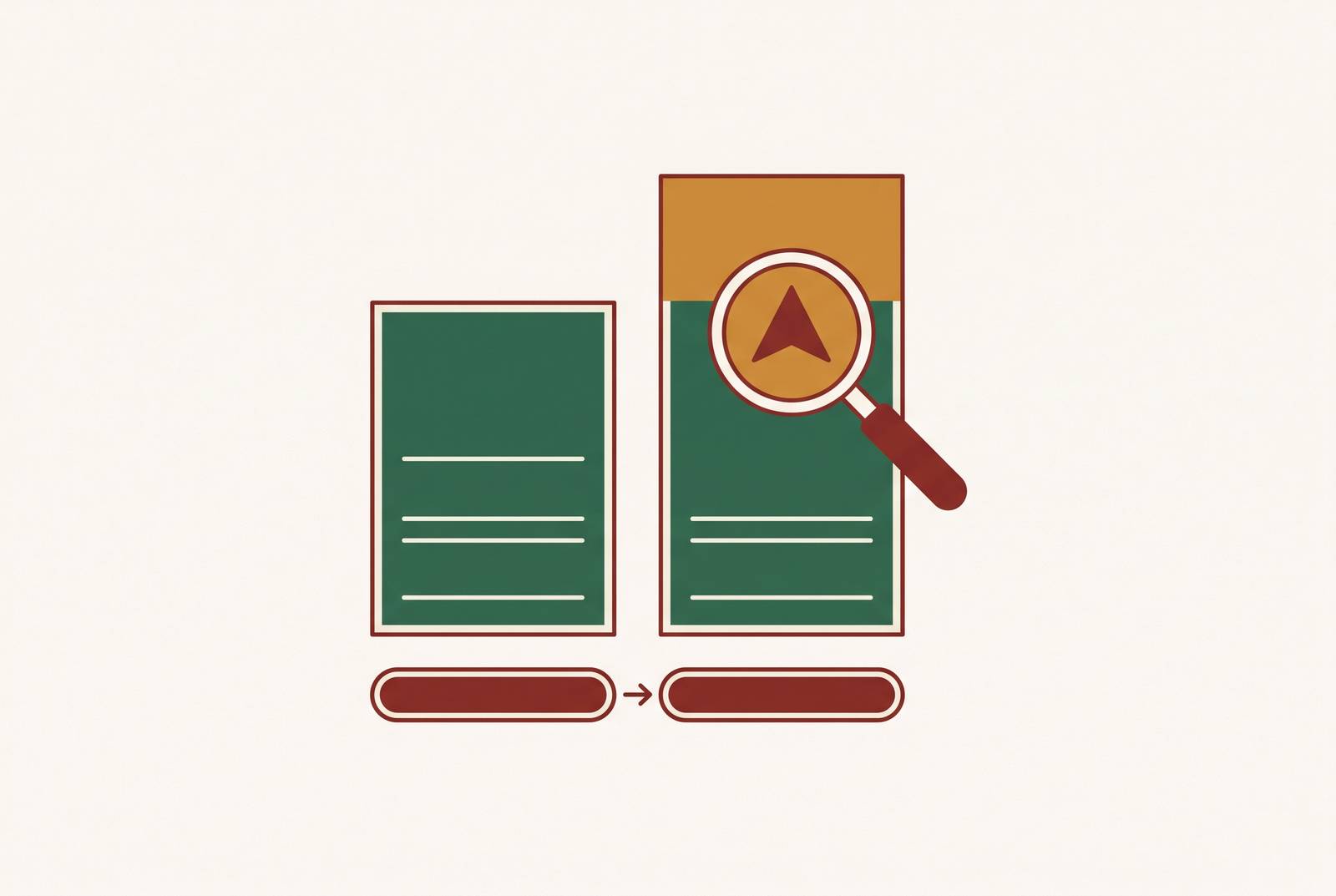
Month-over-month comparison is like placing last month’s bill beside this month’s and circling every number that changed. Automation performs that comparison across connected accounts every month without being asked. It turns a changed charge into a finding, rather than leaving it as an ordinary line on the current statement. The comparison removes the need for you to remember prices.
The system keeps track of the amount, label, and billing date for each recurring charge. When the same merchant charges a different amount in the next cycle, it surfaces the difference. That prior-period baseline makes a small increase visible even when the new total looks perfectly normal on its own. A useful finding names the charge and the dollar amount, so the consumer has no need to search another statement for them.
The comparison can also identify new charges, possible duplicates under changed labels, and charges that resume after a pause. These findings need context because a changed charge is not automatically an incorrect charge. Similarly, a price increase is not automatically money owed back. The amount of the increase and the amount of a potentially recoverable duplicate or missing refund are different findings.
Read-only access fits this detection task because the system needs permission only to view transactions, with money movement kept outside its permissions. Keeping those permissions separate limits what the connection can do. Automation can therefore remove the human bottleneck without requiring authority to transact.
What automated comparison catches that goes beyond subscription price hikes
The six-line household comparison spans mobile, internet, streaming, productivity software, and gym charges. Its value is the combined picture. With no new services added, separate increases across those lines can still produce a materially higher annual total. A tool limited to streaming would see only part of that drift.
Other recurring bills need the same treatment. BLS CPI data shows that the price of electricity went up by 4.6% in the year from March 2025 to March 2026. Utility totals can change for reasons other than rates, so a higher payment calls for examining the cause. Internet and cable bills are harder to compare because broadcast TV fees, regional sports network fees, modem rental fees, and post-promotional adjustments can each go up even when the base service rate stays the same.
The system must compare charges within a billing cycle as well as against earlier periods to distinguish a repeat payment from an ordinary recurring one. A charge that persists after cancellation presents a related problem, but establishing that it should have stopped also requires the cancellation context. A bank total alone does not tell the whole story.
Trial conversions and missing refunds need context too. A new recurring charge can expose a free trial becoming paid on its first billing cycle. A promised refund requires comparing an expected credit with what actually arrived. These are all comparison tasks, but they are not interchangeable. Access to billing emails and service histories matters for these different comparisons.
Why automation is the only approach that matches the speed and persistence of bill creep
A one-time review cannot provide ongoing detection. An annual review leaves months between checks, while providers change prices on their own schedules. Utility fees, insurance premiums, and bundled service charges do not wait for the household’s next audit. The monitoring schedule has to match the billing schedule.
Comparing bills by hand can work well when someone does it carefully every month. Its constraint is the continuing effort required to maintain records, match charges, and examine differences. That requirement is exactly what bill creep exploits. After a January audit, February’s bills still need to be compared, and March’s work remains even after February’s review is done.
Legal protections help, but they do not replace detection. California AB 2863 applies to contracts entered into or amended on or after July 1, 2025. It requires notice before a fee change and cancellation in the same medium used to sign up. Those protections matter, but a notification can still go unread.
An automated system connected to email can catch that notice without depending on the consumer opening it. The system then keeps comparing bills to check which changes show up. Automation is therefore not merely a faster way to perform an occasional audit. The right tool runs every month without prompting.
What to look for in an automated bill comparison tool
Compass+ by Gerald is a strong fit for readers who want automatic detection with read-only access. It connects to bank accounts, email, calendar, Amazon, and subscription services, giving it information beyond the bank statement alone. After setup, it monitors continuously and presents findings with specific dollar amounts and clear next actions. Its coverage includes unused subscriptions, price increases, duplicate charges, trials about to convert, missing promised refunds, and bills that have quietly increased.
Its read-only model is an intentional security choice. Compass+ retrieves data but cannot take actions within connected accounts, with that restriction enforced at the connection level. Its Plaid-style aggregation uses the kind of infrastructure that major US banks support. Plaid names Chase, Bank of America, Wells Fargo, and Citi among institutions supporting OAuth, through which credentials are entered directly on the bank’s site.
Other AI-assisted tools with financial account connections should be judged against the same requirements, namely account coverage, automatic comparison, specific dollar findings, and clear permissions. Rowan’s action-capable model is a different design choice from read-only detection. The distinction is whether the tool should only identify a problem or also have authority to act. For detection alone, the ability to move money is unnecessary.
Checking bills by hand still helps when consumers are willing to do the work. A structured 50-item household bill audit covers categories including mobile, internet, streaming, software, gym, and insurance, but needs monthly repetition. A dedicated virtual card for each service, with a spending cap, can surface a changed charge through a declined transaction, but does not aggregate all accounts. Whatever the tool, security criteria should include read-only access enforced at the API level for detection, OAuth connections, and clear data-retention and access-revocation policies.
How to set up month-over-month bill monitoring so it runs without ongoing effort
Setting up a tool is a one-time task, while doing a monthly audit is a recurring obligation. The goal is to replace that obligation with a system that keeps a baseline and checks each billing cycle against it. Start by connecting all accounts carrying recurring charges, including bank accounts, credit cards, PayPal, Amazon, and app stores where supported. A system that sees only one payment method cannot compare charges routed through the others.
Next, connect email so billing notices, price-change messages, and refund confirmations can inform the comparison. Establish the baseline during the first month of monitoring so later bills have a reference point. If alert thresholds are available, configure them deliberately. Flagging every change shows more of what is happening, while a threshold above $1 cuts down on alerts but leaves smaller changes unflagged.
When a finding arrives, the response depends on what changed. For a price hike, the options are to cancel, downgrade, call retention, or accept the new price. A duplicate charge calls for a dispute, while a missing promised refund calls for a merchant follow-up. An unwanted trial conversion calls for immediate cancellation. For subscriptions paid through PayPal, recurring payments can be canceled directly through the PayPal account when the merchant’s cancellation flow is difficult.
After setup, the tool checks each billing cycle and flags what it finds when something changes. Detection eliminates the need to search every bill before deciding what to do.