Apps That Surface Every Recurring Charge Across All Your Accounts
These apps find forgotten subscriptions, but each has blind spots that matter.
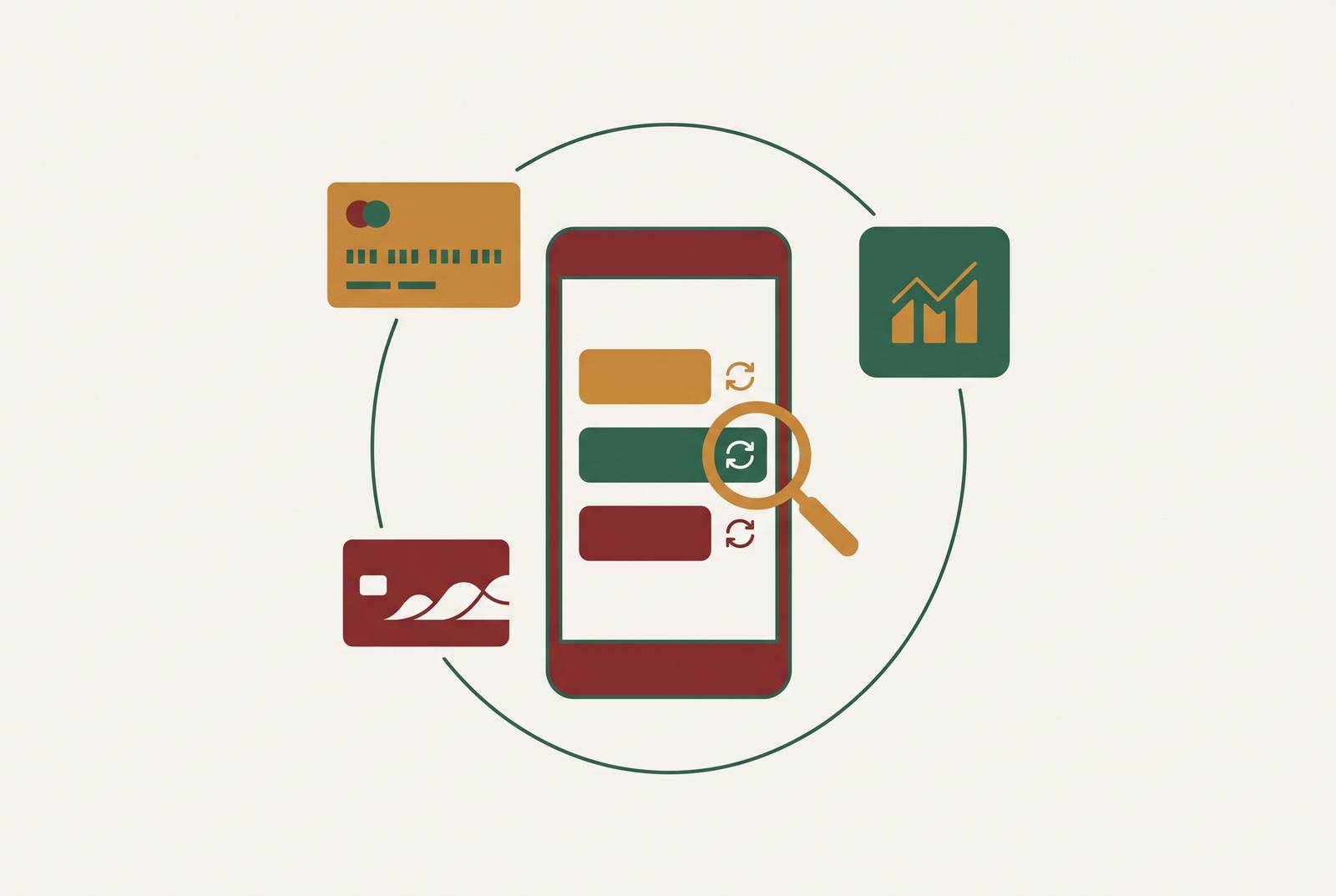
ReSubs and Bobby suit people who know their subscriptions and want tracking without bank sync. PocketGuard suits people who have forgotten recurring charges across linked accounts, while Origin has subscription tracking as part of a wider financial dashboard. The best app depends on where it looks and what it does next, because no detection method catches every charge across every account.
Why recurring charges are so hard to see across all your accounts
Recurring payments are arranged in ways that make them hard to track. Charges fall on different payment methods, billing dates, and account types, and the amounts are often small enough to go unnoticed. A household may pay through bank-linked debit, multiple credit cards, PayPal, Apple ID, Google Play, and separate work or family accounts. Each statement shows only its own slice. Even a careful review of one account leaves the others out.
Monthly, quarterly, and annual payments fall on different dates, so one month cannot show everything that has to be paid. Annual charges are especially easy to mistake for one-time purchases because they arrive as an isolated lump sum. Merchant names can hide the service, too. An app-store subscription may appear as “Apple” or “Google,” leaving the bank statement without the individual service name you need to identify it.
The two fundamentally different ways apps find recurring charges
Subscription trackers use two basic approaches to find charges. Bank-connected apps link to financial accounts through an aggregator, scan transaction history, and look for charges that repeat. Plaid connects roughly 12,000 financial institutions across the US, Canada, the UK, and Europe. That reach lets an app bring transactions from several accounts into one view. The useful part is discovery, because scanning transaction history can reveal a repeating payment even when you have forgotten the service or the trial that became a paid subscription.
Manual and import-based trackers start with information you supply or let them read outside a persistent bank connection. That can mean entering subscriptions, uploading a CSV or PDF statement, or allowing receipt scanning in email. ReSubs supports manual entry, CSV import, Gmail billing email scanning, and AI extraction from screenshots. The payment account does not dictate what you can record. A known subscription can go into the tracker whether it is paid through your card, an app store, or a family account.
Neither approach has a complete view by default. Bank sync can discover forgotten payments, but only within the accounts and transaction details it can access. Manual tracking can include payments outside those accounts, but it depends on what you know and the records you supply. Email scanning sits between those approaches by finding receipts you may not remember. The choice is between different blind spots.
What bank-connected apps catch automatically and where they reliably fail
Bank-connected detection is strongest when a charge repeats often enough to form a pattern in the available history. Forgotten monthly subscriptions fit that pattern well. PocketGuard automatically detects recurring charges and includes them in its safe-to-spend calculation, connecting discovery to everyday spending decisions. Quicken Simplifi combines automated subscription identification with recurring transaction tracking and budget management across a broad range of financial institutions. These tools can reduce the work of finding and organizing regular payments.
Annual subscriptions are a much harder detection problem. A charge that comes once a year cannot form a repeating pattern in a 30- or 90-day transaction window. The app may miss it or treat it as a one-time purchase. Better pattern matching cannot fill in the missing history. Renewal reminders keep a known annual bill in view before its next billing date.
App-store billing also limits what an app can find because the bank record identifies the service being paid for only by its platform. Matching merchant names cannot reliably separate those subscriptions without another source, such as app-store purchase history. A payment from an unlisted card, a PayPal balance, or a partner’s account is outside the app’s view.
Price increases are subtler because the subscription itself remains visible. The merchant name and repeating pattern can stay the same while the charge goes up. An app may then show a subscription as active without flagging that it costs more. Detection alone does not catch the change. Only tools that compare amounts over time and alert on deviations provide that monitoring, and most subscription trackers do not.
What manual and email-based trackers catch that bank sync misses
Manual entry can make an annual subscription visible without waiting for a second annual payment to establish a pattern. It can also identify the actual service behind an app-store charge or record your share of a family plan. Those are genuine coverage advantages. The information comes from your knowledge or supporting records. That changes what the tracker can show.
ReSubs is focused specifically on subscriptions. It is available on iOS and Android, with a free tier and premium for unlimited tracking. With manual entry, CSV import, Gmail scanning, and screenshot extraction, users have several ways to build a subscription record without bank access. Bobby takes the simpler route on iOS. It offers manual entry and renewal reminders, with a free option plus a one-time purchase, for people who already know what they pay for.
Purchase confirmations in email can show which app-store subscriptions and merchant-direct payments were paid on different cards without an ongoing bank connection. That access has its own privacy cost, though. Users should check what a tool does with email contents beyond extracting merchant and amount data. And if a forgotten charge never appears in accessible email, an uploaded statement, or a manual entry, the tracker still cannot find it.
Detection is only the first half — what separates apps that act from apps that display
A subscription list answers what you are paying for. It does not necessarily tell you whether the service is still useful, whether its price has changed, or how to stop paying. Most trackers surface and label charges, then leave both the decision and the work to you. The next action is the dividing line. A finding becomes more useful when it includes a specific amount, enough context to judge it, and a clear route to cancellation or recovery.
Cancellation assistance goes beyond displaying a merchant name by contacting the merchant on your behalf. That can help with subscriptions whose cancellation process is difficult. Price-drop and refund recovery go further still, extending the focus from future payments to money that might be recovered. These are different capabilities from tracking recurring charges. An app that detects a subscription should not be assumed to offer any of them.
Some tools help turn text, voice, and receipts into structured entries, while emerging agentic tools monitor findings and attach defined next actions. Some may execute actions within pre-authorized rules, but that is not the same as unrestricted authority to cancel subscriptions or move money. The permission boundary remains essential. “AI-powered” alone says little about whether a tool records information, proposes a decision, or executes it.
Copilot Money launched an official read-only MCP server open to everyone on October 27, 2026, with its Money Assistant feature on iOS. That is a concrete example of AI access whose stated scope is reading financial information. It is not a promise of automatic cancellation. For readers seeking hands-off management, the useful comparison is therefore the actual cancellation, recovery, and confirmation workflow.
The privacy trade-off in connecting accounts — what read-only actually means and where it breaks down
Read-only access is the right boundary for a tool that monitors money without making transactions. It describes what the connection allows, however, leaving open how the information is used after it leaves the bank. Through Plaid, a connecting app receives scoped access to balances, transactions, and account details without receiving the underlying credentials. Plaid uses AES-256 encryption and holds SOC 2 Type II and ISO 27001 certifications.
Access can also last longer than users expect. A bank connection through Plaid remains active after the app is deleted unless it is explicitly revoked through the bank, the app, or Plaid’s consumer portal. Deleting the interface is not the same as disconnecting the account. Users should establish how revocation works before connecting.
The scope of the requested data is another question. Plaid may pull up to 24 months of history when an app requests its Transactions product, although the default window is shorter. A connection requesting only a current balance does not pull transaction history. The requested product changes the exposure. Once data reaches an app, the security of the bank connection also does not determine how that app stores, shares, or uses it with third parties.
JPMorgan Chase announced plans to charge data aggregators in July 2025 and reached a paid deal with Plaid in September 2025. On the bank’s Q3 2026 earnings call, CEO Jamie Dimon also rejected allowing just any outside AI agents to log in and act for customers, citing risks of “rogue agents.” Approved read-only connectors were still allowed. Reading account data and authorizing an agent to act are separate permissions.
Before connecting, verify whether read-only access is enforced by the architecture or merely promised by policy, whether access persists after deletion, whether transaction data is sold or shared, and how to revoke the connection. Broader coverage still has a real benefit. A tool connected to only one account will miss payments on the others, but a fuller picture should be assembled through read-only access.
What is the best subscription tracking app for your situation?
The right choice starts with two questions, namely which charges you need to find and what you want done after they are found. Those needs may point to different tools. Someone with a known subscription list needs reliable records and reminders more than automatic discovery. Someone who keeps forgetting paid trials needs a tool that can check records without depending entirely on what they remember. Either need can be met without the app having to manage the rest of the household budget.
For known subscriptions without bank sync, ReSubs has the most ways to add records by hand or import them among these options. Bobby is the simpler iOS choice for a clean subscription list and renewal reminders. Tilla suits Android users who want a calendar view, home-screen widget, and an offline-first approach. ReSubs offers more ways to bring records in, while Bobby suits people who want to maintain a straightforward list.
PocketGuard finds forgotten recurring charges across linked accounts automatically and has a simple interface and a safe-to-spend calculation. Prism is the bill-management option, emphasizing bill pay and due dates. Its direct biller connections cover thousands of US billers and surface due dates and balances automatically. Those are distinct jobs.
For subscription management inside a full financial dashboard, Origin offers real-time bank and card syncing, AI-powered recurring expense identification, subscription categorization, budgeting tools, and high-yield cash account integration. It is a paid subscription available on iOS, Android, macOS, and web. Its AI Advisor can answer “which subscriptions can I cut without affecting my savings target?” using the context of your actual cash flow. That context is the reason to choose a broader dashboard, rather than simply wanting another place to see merchant names.
Does it tell you what it found, or does it tell you what to do about it? If cancellation is the goal, the answer needs to include the assistance offered and the confirmation required. A new list to manage is not the same as a subscription stopped.