How to Pull Every Credit Card Subscription Into One Visible List
Track subscriptions across cards, apps, and email to see what you're actually spending.
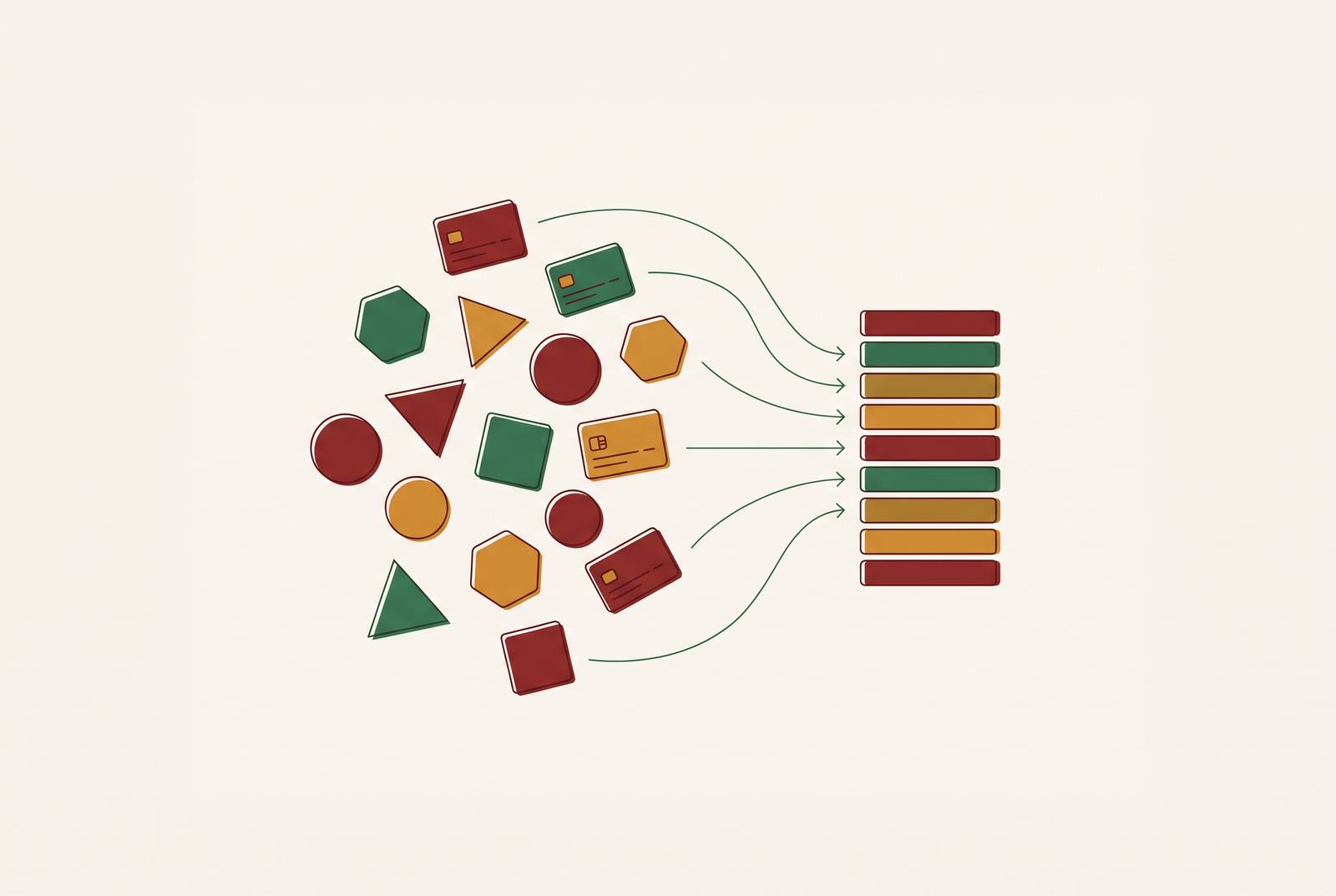
To pull every credit card subscription into one visible list, review a full year of card and bank statements, then check Apple, Google Play, PayPal, and every email account separately. Record each service’s cost, payment source, renewal date, and status before deciding what to cancel. A multi-source inventory with renewal reminders is needed because no single statement shows the whole picture.
Why the subscription spending gap exists and why it is structural
Consumers actually spend more than twice what they estimate on subscriptions. That gap is not simply a failure to pay attention. It reflects a payment structure built to keep individual charges small, scattered, and easy to overlook. A charge can seem too minor to question while the total stays out of sight. Casual attention cannot reconstruct a record spread across several accounts and billing cycles.
Most consumers have all their subscriptions set to auto-pay, so renewal happens before they stop to reconsider the service’s value. The money leaves on the service’s schedule. Because those schedules are staggered, there is no single moment when the full cost presents itself for review. Each renewal makes the larger commitment look like a series of isolated expenses.
Fragmentation makes the total even harder to see. A streaming service might charge one card, cloud storage might bill through Apple, a software tool might charge another card, and a gym might use direct debit. Each account shows only the money spent through it. None was built to assemble the complete picture, so checking one carefully still leaves the others invisible. The corrective is to gather the records deliberately rather than rely on memory or the most familiar banking app.
Where do you find all your subscriptions across the four hidden layers?
Start with credit and debit card statements as the first layer of the inventory. They show recurring payments attached to those cards. However, subscriptions billed through Apple, Google Play, or PayPal can appear under the platform’s name. The statement shows money leaving without necessarily naming what it bought.
Next, check the platform billing layer directly. Apple subscriptions are at Settings → Apple ID → Subscriptions. Google Play subscriptions are at Play Store → Profile icon → Payments & subscriptions → Subscriptions. These are separate subscription records. A purchase made through either platform needs a check inside that platform to identify the service behind the payment.
PayPal is the third layer to inspect separately. Its recurring payments are at Settings → Payments → Manage Automatic Payments. Because PayPal sits between the service and the card, the card statement may show “PayPal”. The fourth layer is time, specifically annual subscriptions that vanish from a monthly review. They renew once a year at a larger amount, leaving most months with nothing to spot.
Email is a fifth place to look for records from all those layers. Search “receipt,” “renewal,” “subscription,” and “invoice,” including in secondary inboxes used at signup. Search separately for “annual renewal” and “yearly subscription.” Those messages can reveal services that have not charged recently. These checks are additive, so skipping one leaves a category of spending outside the list.
How to run the inventory sweep in the right sequence
First, pull a full year of statements from every credit card, debit card, and bank account. Do not stop at the account used most often. Annual subscriptions may appear only once in that window, so a few recent months cannot substitute for the full year. Include bank accounts because recurring payments are not limited to credit cards.
Second, log every recurring charge you find. Record the service name, amount, billing frequency, payment source, and next renewal date. Capture the complete set of commitments before evaluating charges or deciding what to cancel. Decisions made before the other payment sources are checked rest on an incomplete inventory.
Third, check Apple, Google Play, and PayPal one at a time. Add the subscriptions found on those platforms to the list, even if the charges on the statements already look familiar. Each is a distinct source of billing information. Fourth, search every email account, including other addresses used at signup, with the receipt and subscription terms above. Run the annual-renewal searches separately so that less frequent charges receive their own pass.
Fifth, check which card or account pays for each subscription. Give closed and expired cards a distinct review. Subscriptions attached to them sometimes re-route silently to another card or fail quietly, leaving unnoticed charges to accumulate. An old card is not proof that the subscription ended. The completed inventory needs the payment source as well as the service name, because the account relationship is part of what must remain visible.
Where to put the completed list so it stays visible and maintained
Once the sweep is complete, move the records into one location that can be kept current. The format is less important than its upkeep. A spreadsheet gives full control, but each change has to be entered by hand. Useful fields include service name, category, monthly equivalent cost, billing frequency, actual charge amount, payment source, next renewal date, and status. Status can distinguish active, paused, trialing, and canceling subscriptions rather than treating every row as the same kind of commitment.
Keep the monthly equivalent apart from the actual charge amount. The first makes subscriptions with different billing cycles easier to compare, while the second preserves what will actually leave the account. A yearly bill should not disappear inside a monthly estimate. The renewal date gives that bill a place on the calendar.
A linked app trades some manual control for automatic detection, reminders, and a cleaner view of recurring expenses. The trade-off is access to transaction data. Bobby for iOS and Subby for iOS and Android offer a middle path, with manual entry, a calendar view, and pre-bill notifications without account linking. They reduce data exposure, but not the need to enter subscriptions and maintain their details.
Capital One automatically identifies subscriptions and recurring charges on its credit cards, showing anticipated dates and expected amounts in its app at no extra cost. Its subscription manager also supports blocking recurring charges and canceling subscriptions at select merchants. Blocking is a payment control that leaves the underlying subscription and service agreement in place.
PocketGuard finds recurring charges across connected accounts and has renewal alerts and price-change flags that show up within the total budget. Chase instead recommends manual dashboard reviews and account alerts, with third-party tools suggested for automated tracking. These are different levels of automation. The useful comparison is coverage, reminder capability, data access, and whether the tool can act on a subscription or only display it.
Why a static list goes stale without a renewal reminder system
A tracker records commitments but cannot interrupt a renewal by itself. Annual subscriptions are especially easy to leave unreviewed for most of the year. By the time the larger charge appears, the cancellation window may have passed. The list therefore needs a reminder layer. Set calendar alerts or app notifications at least seven days before each renewal date so there is time to cancel or renegotiate before the payment goes through.
Apple trials have a timing trap of their own. The App Store begins the renewal attempt before the trial period ends, so a charge can process while the screen still shows a future end date. Waiting for that displayed date is not a reliable defense. The cancel-at-signup approach deals with the risk of an early conversion without depending on a reminder on the last day.
How to handle free trial conversions before they charge
A virtual card with a spending cap can stop an unwanted trial conversion at the payment level. Use a unique virtual card number per trial, capped at the amount the service is allowed to charge during the free period. That limit provides a backstop when a reminder is missed. The protection depends on the card’s controls.
Capital One’s Eno makes a unique virtual card number for each merchant, but it has no per-card spending limits. Its limit equals the account’s credit limit. The virtual card can be locked or deleted without closing the primary account, which makes it a control that still requires action. The Eno browser extension was discontinued September 30, 2026. Capital One’s subscription manager also lets cardholders block recurring charges in the app when an unwanted trial comes up for renewal.
For Apple App Store trials, canceling immediately after signup addresses the conversion timing directly. It stops the paid conversion while access continues to the scheduled trial end date. The cancellation happens before memory becomes the weak link. This complements a virtual-card strategy by ending the planned conversion while the card controls payment. Outside that distinction, the core rule remains to act before the conversion window closes.
What to do when a subscription has already charged incorrectly
A charge after cancellation can be disputed through the cardholder’s bank using Visa chargeback code 13.2 and Mastercard code 4853, “Cancelled Recurring Transaction. They allow recovery to be pursued without negotiating with the merchant. This is different from regretting a valid renewal. The basis of the dispute is that billing continued after cancellation.
The Fair Credit Billing Act also provides a framework for billing-error disputes. The CFPB’s rule requires a written billing-error notice to reach the creditor no later than 60 days after it sent the first statement showing the alleged error. That deadline makes prompt action important. A promised refund that never posts is another recovery opportunity. If it does not arrive within the issuer’s normal processing window, escalate it as a billing dispute under the same framework.
California AB 2863, effective July 1, 2025, requires express affirmative consent to auto-renewal terms, advance notice of fee changes within a defined window, and cancellation through the same medium used to sign up. Colorado SB 25-145, effective August 6, 2025, requires one-step online cancellation when a Colorado consumer first signed up online. These rules address the exit route as well as the charge. The Unsubscribe Act, introduced in January 2026, is a proposal that would extend same-medium cancellation requirements nationally and add enrollment, reminder, and trial-confirmation protections.
How ongoing surveillance differs from a one-time audit
A completed inventory is a snapshot of commitments that keep changing. New trials turn into paid subscriptions, charges move between cards or accounts, and services raise prices even when no new subscription has been added. Emails about price increases may be mixed in with promotional messages, so they are easy to miss.
Check the tracker against the latest statements at least every three months to keep it up to date. That comparison can catch additions and price increases before they rebuild the original spending gap. Reminders serve a different purpose during those months. Reminders prompt decisions before known renewals, while the quarterly audit checks whether the record still matches the bills. Neither replaces the other.
Automatic recurring-charge detection helps discover commitments across connected accounts, while renewal alerts and price-change flags draw attention to changes. Cancellation and blocking tools go further, within the limits of the merchants and cards they support. The useful endpoint is not simply a dashboard that informs, but a maintained system that prompts decisions, supports cancellation, and leaves fewer changes waiting to be discovered by chance.