How to Read Your Bank and Card Statements to Hunt Down Every Active Subscription
Your statements reveal every subscription hiding across all your accounts and billing systems.
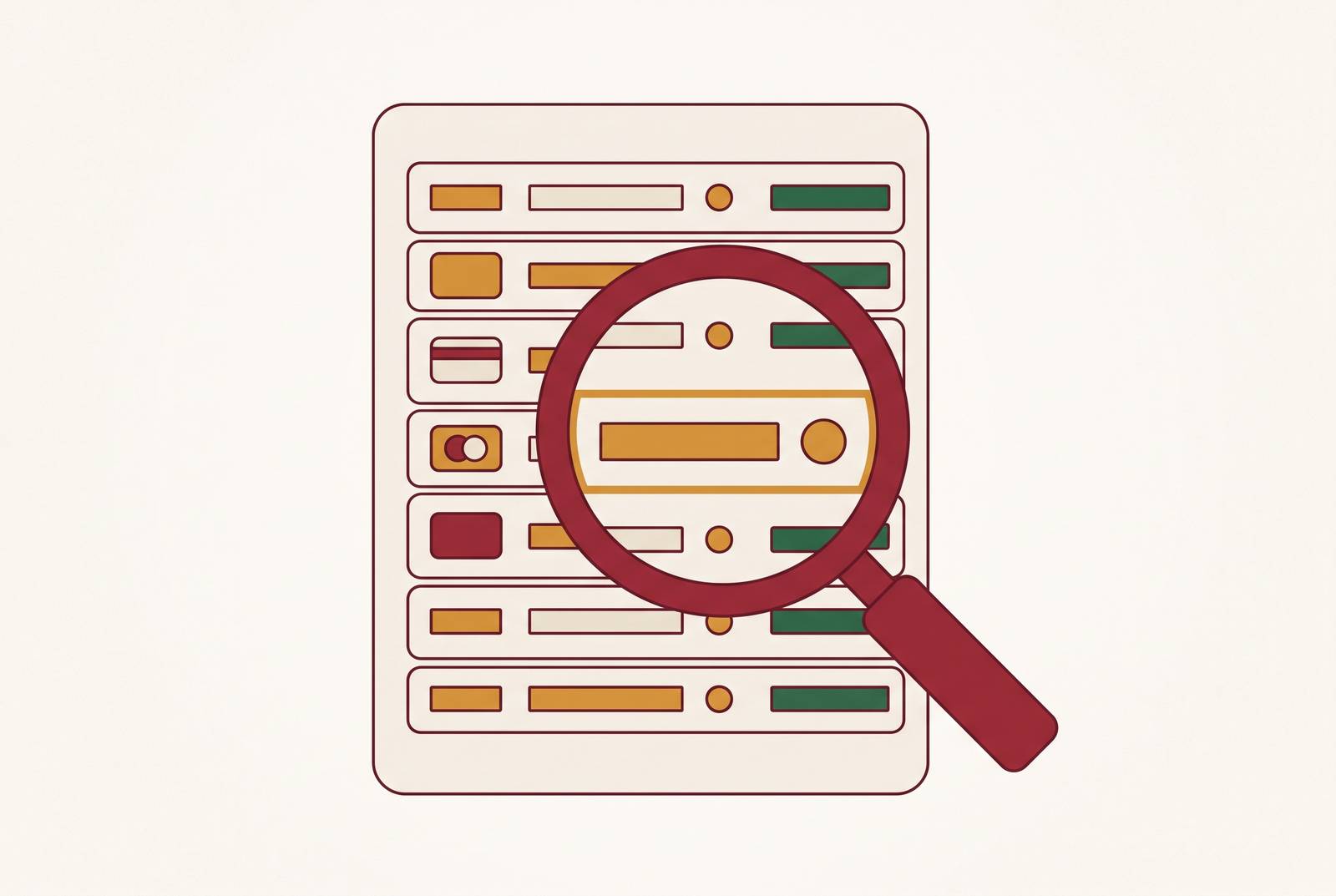
A bank or card statement is where every subscription charge appears, no matter how the subscription was set up or who manages it. Merchant dashboards only tell you what that merchant wants you to see about its own billing. App-store libraries show what's active in that storefront and nothing outside it. Email inboxes depend on a confirmation message actually being sent, and actually being kept. None of these sources has a reason to give a complete picture.
A bank or card statement has no such conflict of interest. If money left an account, it appears there, whether it moved as a card charge, an ACH pull, a PayPal transfer, or an app-store billing line. That single fact makes the statement the only reliable starting point for a subscription audit, not a budgeting app, not a spreadsheet built from memory, not a subscription tracker that depends on users entering their own data. The statement is ground truth. Everything that follows in this guide is about learning to read that ground truth correctly.
Why active subscriptions stay invisible to regular statement checkers
If statements are complete, the obvious question is why subscriptions still slip through unnoticed, even for people who look at their statements regularly. The answer sits in how automatic billing is built.
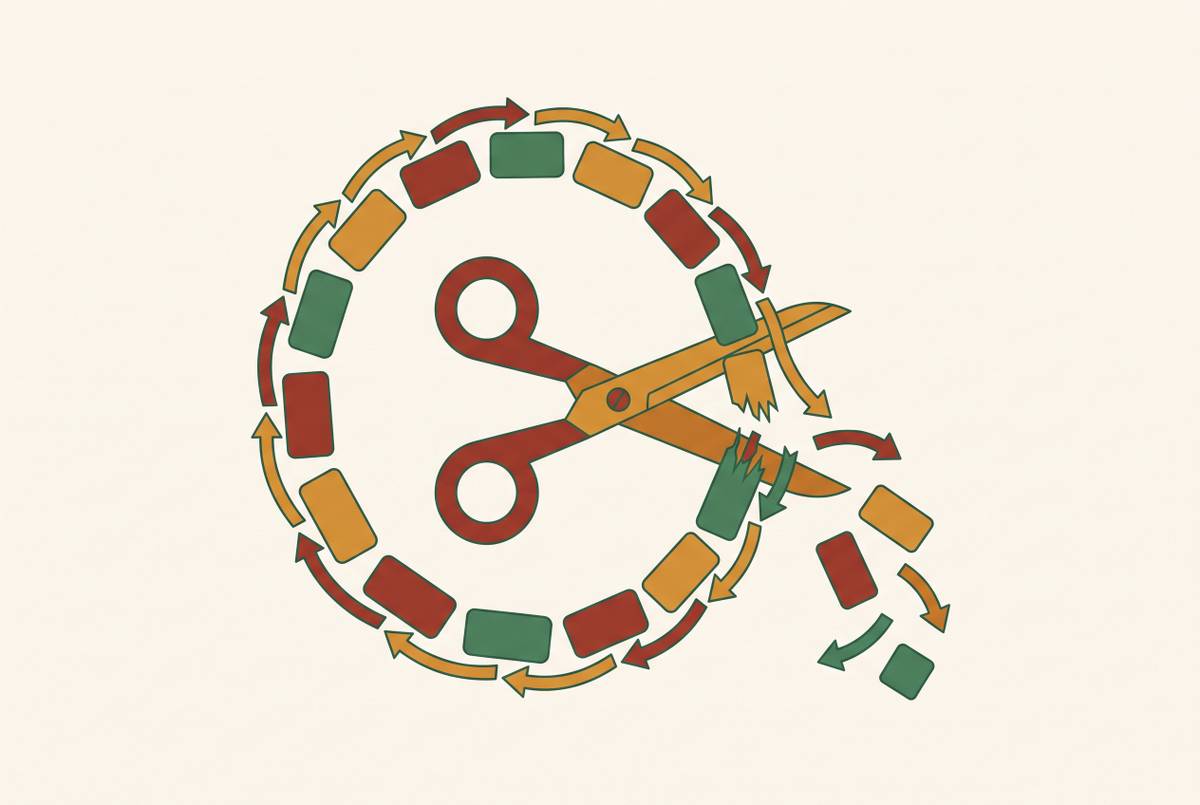
A one-time purchase requires a decision each time money changes hands. Auto-pay removes that decision. Once a card is on file, the charge recurs without a single prompt, a single click, or a single moment where a person consciously chooses to spend money again. That missing moment is also the moment that makes a charge memorable. Strip it out, and within a couple of billing cycles the charge fades into background noise.
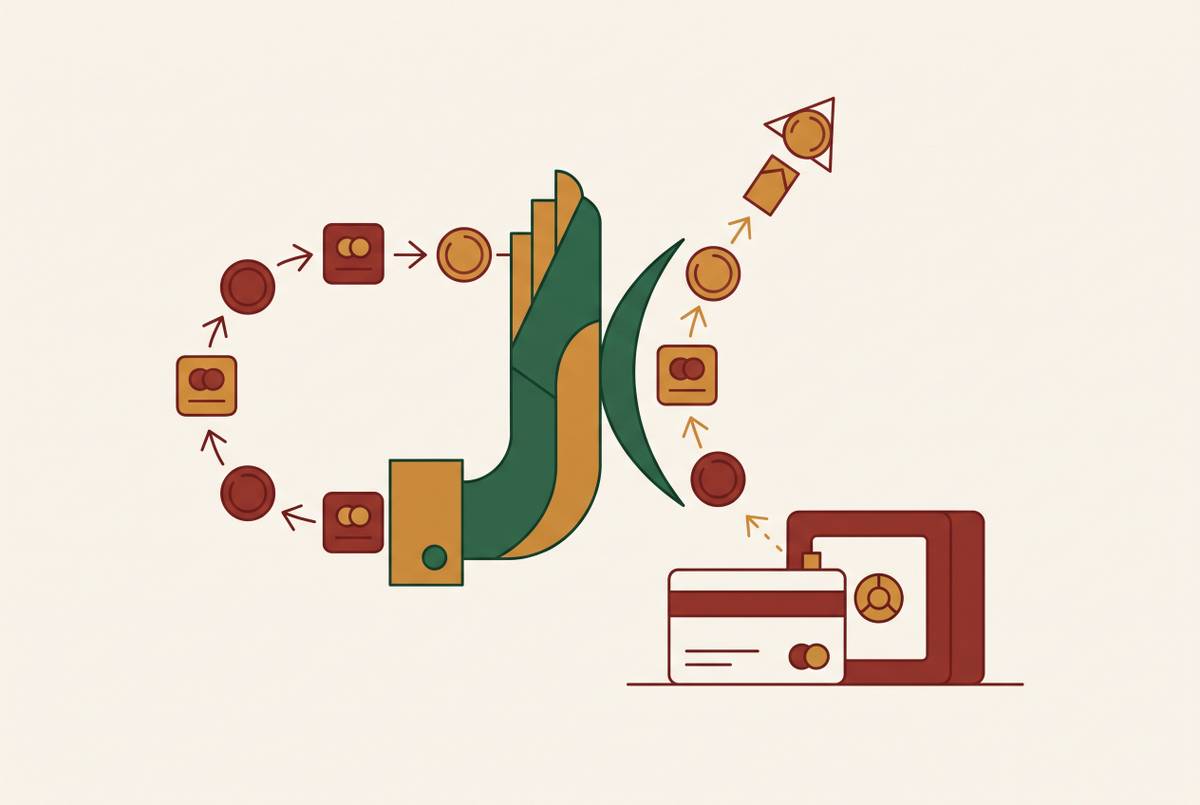
Annual billing makes the problem worse. A monthly charge repeats often enough that a pattern can form in memory, even a faint one. An annual charge hits once, blends in with a list of other once-a-year debits, and then disappears for eleven months before it does the same thing again. A person flipping through a statement sees a single, unfamiliar-looking debit and assumes it was a one-time purchase, missing that it's year two of a recurring plan. Add in the fact that subscriptions are scattered across checking accounts, multiple cards, PayPal, and two separate app-store billing systems, and it becomes clear why no single glance at any one account catches everything running. The fix starts with scope: knowing how far back to look and which accounts actually need to be pulled.
Accounts to pull and lookback window
The audit window and the list of accounts included decide whether the audit finds everything or just the obvious part. A narrow window guarantees blind spots, because the charges most likely to be forgotten are exactly the ones least likely to show up in a short lookback.
Monthly subscriptions need at least three months of transaction history pulled, not one. A single month can miss a charge that lands a few days outside the window being checked, while three months makes the monthly rhythm of a subscription obvious. Annual subscriptions need the full 12 months, because a charge that hits once a year will vanish completely from any shorter window, even though it's one of the more expensive line items most people carry.
The accounts list matters as much as the time window. Every checking account needs to be pulled, since ACH pulls draft directly from bank accounts and never appear on a credit card statement. Every credit card needs to be pulled too, since a large share of subscriptions bill to cards and never touch checking activity. PayPal transaction history needs its own separate check, because PayPal runs recurring billing for a wide range of services, from news sites to VPNs to meal kits, and its statement labels frequently truncate or obscure the actual merchant name. App-store billing history, both Apple's and Google's, needs checking as well, since in-app subscriptions billed through those storefronts appear on a bank or card statement as one lump platform charge rather than the name of the individual service being paid for. Skipping any one of these sources leaves the audit incomplete by definition, no matter how carefully the rest of it gets done, so routing every new subscription through a single dedicated card makes the next audit faster, since there's only one statement to scan.
What subscription charges look like on a statement
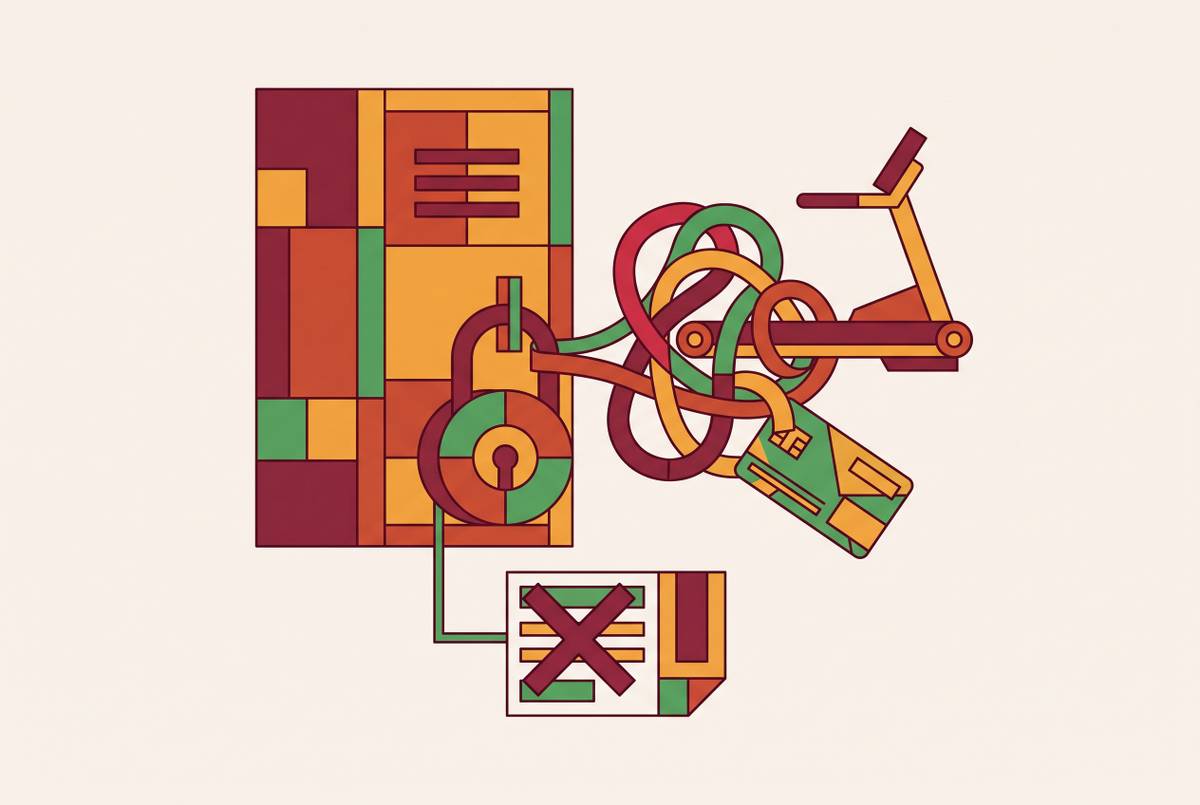
Finding subscription charges on a statement isn't the hard part. Recognizing them is, because billing descriptors are routinely vague, truncated, or lumped together under a platform name that has nothing to do with the service actually being paid for.
Apple's own support documentation confirms that Apple Services transactions can appear as "apple.com/bill" or "itunes.com/bill" on a statement, with no indication of which specific service, Apple Music, iCloud storage, Apple TV+, Apple Arcade, Apple News+, generated the charge. Some statements show a more specific line like "APPLE DIGITAL SERVICES" or "APLAPPLE MUSIC," but plenty show nothing more specific than the generic billing line. PayPal has a parallel problem: a charge might appear as "PAYPAL NEWSXXX" or a similarly chopped string that gives no clean signal about which outlet or service it belongs to.
PayPal and app-store billing histories can't just be glanced at inside a bank statement. They have to be opened directly and cross-referenced against what appears elsewhere, because the line on the bank statement is a pointer to a charge, not an identification of it. A reader staring at "APPLE.COM/BILL $34.98" has learned that Apple charged them something. They haven't learned what. That gap between seeing a charge and knowing what it's for is the entire reason the pattern-matching method in the next section exists.
The six charge patterns that indicate a subscription
Cadence is the master signal. A charge that lands on a predictable rhythment, monthly, quarterly, annually, is a recurring charge even if the dollar amount shifts slightly from one instance to the next. Regularity affects detection more than the exact figure does, since a predictable rhythm marks a charge as recurring even when the amount shifts slightly. Every other pattern below is really a variation on this same idea: look for the same merchant showing up on the same rough date, across multiple statement months, and treat that rhythm as the tell.
Free-trial creep is the first variation. A nominal charge, sometimes zero dollars, authorizes a card, and then a full-price charge lands a few days or weeks later from the same merchant. The small or free charge was the trial. The one that follows is the conversion into a paying subscription, and it's the one that keeps recurring from that point forward.
Price hikes are the second. The merchant name stays familiar, but the amount is higher than it was in previous months, with no notification attached to explain the increase. Comparing the same merchant's charge across three or more months is what catches this, since a single month in isolation won't show the step up.
Duplicate charges are the third. Two different merchants, in the same category, billing at the same time, two cloud storage services, two streaming platforms covering similar ground. The signal here is category overlap, not just an exact merchant match, since a replacement service subscribed to without canceling the original won't look like a duplicate at first glance.
Annual charges are the fourth. A single larger debit, once a year, from a merchant that also appears in the same month twelve months earlier. This pattern becomes visible only with the full 12-month window described earlier.
Gray charges are the fifth. A familiar merchant name, but the amount includes odd cents or a small addition that wasn't there in prior charges, often a sign of a tax change, a tier upgrade, or an add-on applied without a clear notice.
The sixth pattern is simply the absence of any of the above where one would be expected: an unresolved, unfamiliar line that doesn't match a known purchase and needs a direct lookup.
A step-by-step process for working through statements so nothing slips past
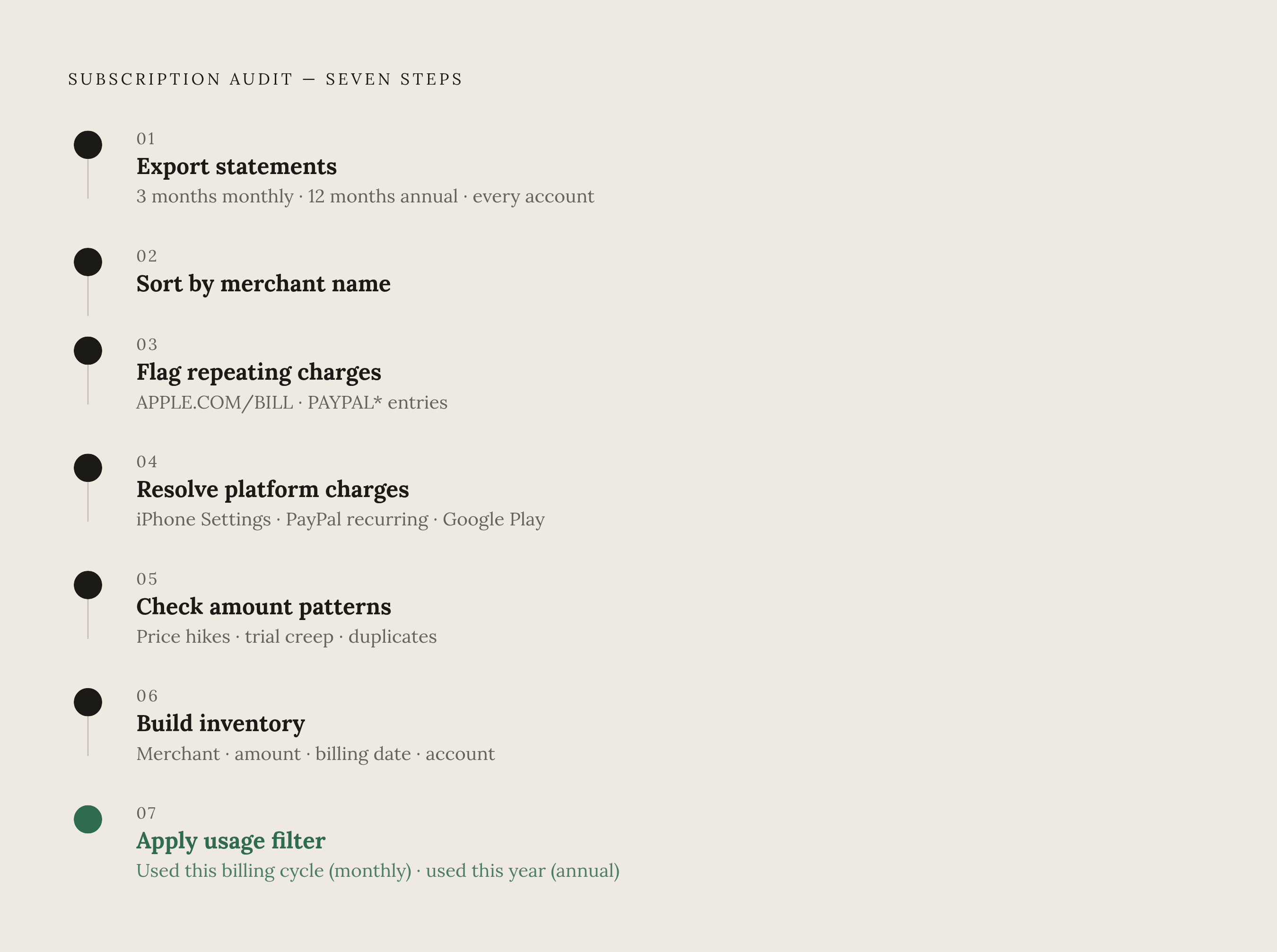
A full audit run against this method is realistically a single-sitting project, not a multi-week undertaking, provided the right statements are pulled up front.
Step one is exporting or printing every relevant statement, covering three months for monthly recurrences and 12 months for annual ones, from every account named in the scope section above. A digital export, PDF or spreadsheet, makes the later steps faster than scanning printed pages line by line.
Step two is sorting by merchant name. Grouping transactions alphabetically makes cadence jump out immediately. A merchant appearing three times in three months stands out clearly in an alphabetical list in a way it never does buried inside a long chronological feed.
Step three is flagging every charge that repeats. Every merchant name that shows up more than once goes onto a working list, including every APPLE.COM/BILL line, every PAYPAL* entry, and any other platform or app-store charge. At this stage the goal is only identification, not judgment, deciding whether to keep or cancel comes later.
Step four is resolving the platform charges flagged in step three. For Apple charges, opening Settings, then the account name, then Subscriptions on an iPhone or iPad shows each individual service and its price, which can then be checked against the total on the statement. For PayPal charges, logging into PayPal and opening the recurring payments section reveals what each truncated label actually represents. For Google Play, opening the Play Store app and checking its Subscriptions section shows every active in-app subscription along with its billing date.
Step five is checking the amount column against the six patterns described above, for every merchant flagged in step three: has the amount changed, does the charge appear only once a year, did a small or free charge get followed by a larger recurring one.
Step six is building the actual subscription inventory: merchant name resolved to its real identity rather than its statement descriptor, the actual monthly or annual amount charged, the billing date, and which account it hits. Anything still unidentified at this point stays on the list flagged for a direct lookup.
Step seven is running each entry in that inventory against a single question: has this been used recently, within the current billing cycle for a monthly subscription, or at any point in the current year for an annual one. Usage is the filter, not cost. A cheap subscription that goes unused is still worth cutting, and an expensive one used daily isn't a target just because of its price. Subscription fatigue research consistently finds that both unused subscriptions and ones that have quietly gotten more expensive rank among the leading categories of wasted spending, with rising cost cited most often as the reason people finally cancel, followed closely by simply not using the service.
That seven-step process produces one concrete artifact: a full inventory of what's actually being paid for, resolved down to real merchant names and real dollar amounts. What happens with that list is the second half of the work.
Canceling, handling dark patterns, and claiming money already owed
Finding every subscription on a statement is half the job. Getting out of the ones that aren't worth keeping, without getting trapped in the process, fills the rest of the job.
Cancellation flows are often built with friction baked in on purpose. Regulators describe dark patterns as design choices that obscure or impair a customer's ability to make a clear choice, and cancellation screens are one of the more common places they appear. A cancel option buried several pages deep, when signing up took a single screen, is one version. A button labeled "Continue" that actually keeps the subscription active, with the real cancel option rendered as faint text underneath, is another. A required survey that blocks cancellation until a reason is selected or typed in is a third. Recognizing these patterns in the moment is often enough to get through them: look specifically for the actual cancel action rather than the button that's visually emphasized, and don't assume the first screen offering to "pause" or "downgrade" is the only option available.
Refunds are worth pursuing on top of cancellation. A charge that ran after a trial should have converted, or a duplicate charge from an overlapping service, is often refundable if raised directly with the merchant or, where the charge doesn't match what was authorized, disputed through the bank or card issuer. The inventory built during the audit supplies the resolved merchant name, the date, and the amount, laid out clearly for that purpose.
The psychological invisibility that makes these charges hard to spot in the first place is also the reason proactive monitoring has value beyond a one-time audit. Compass+ is built to surface hidden subscriptions and other overlooked charges automatically, including price drops, duplicate charges, and missing refunds, flagging costs that would otherwise stay buried in statement noise instead of requiring a manual re-read of several months of transactions every time. Because billing descriptors are deliberately vague or chopped short, Apple subscriptions collapsing into one APPLE.COM/BILL line, PayPal merchants truncated into names nobody recognizes, reading statements by hand means doing the detective work described in this guide every single time. An AI-powered background monitor like Compass+ handles that cross-referencing directly, connecting to accounts and matching charges against merchant records so subscriptions show up with their real names and a clear next action already attached, rather than a statement line that has to be decoded first.